Family mruby Documentation
What Family mruby is
Family mruby is a windowed GUI operating system for microcontrollers, written in Ruby and C, that runs applications written in Ruby.
It aims to be an environment where programming can be enjoyed on the machine itself, without a PC: a keyboard, a mouse and a display are all it asks for.
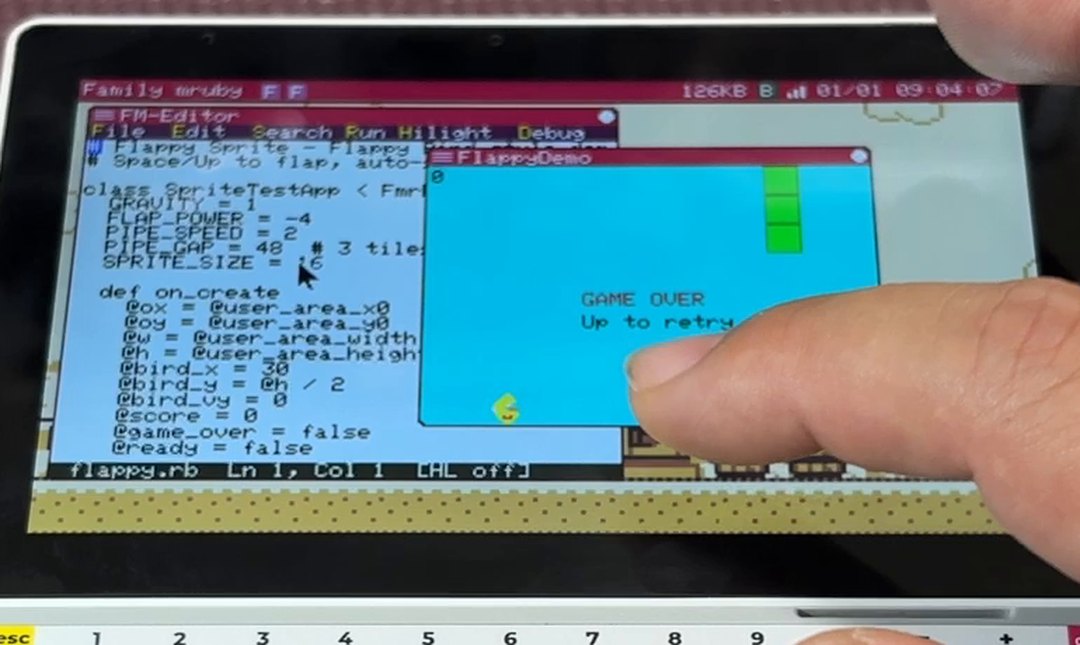
The editor, and the app that came out of running that code
PicoRuby runs on top of FreeRTOS. Ruby apps run at the same time as FreeRTOS tasks, each with its own memory.
Modern and Retro
| Modern | Retro | |
|---|---|---|
| Hardware | M5Stack Tab5 | narya-board (a board of our own) |
| Main chips | ESP32-P4 (dual-core RISC-V) + ESP32-C6 | ESP32-S3 + ESP32-WROVER |
| Screen | The built-in 1280x720 IPS panel (MIPI-DSI) | NTSC composite out |
| Framebuffer | 426 x 240, scaled 3x to the panel | 320 x 240 |
| Sound | Built-in speaker and a headphone jack | 3.5mm line out |
| Input | USB keyboard and mouse, capacitive touch, the Tab5 Keyboard | USB keyboard and mouse |
| Network | Wi-Fi and BLE through the on-board ESP32-C6 | The ESP32-S3's own Wi-Fi and BLE |
| Also | Drive the screen from a browser over Wi-Fi, one GROVE port | RCA video out, two GROVE ports, a battery-backed clock |
The Family mruby that ran on the Narya v3 board, with its NTSC output, is what we now call Retro. Modern is defined as the variation that assumes a higher-resolution digital display, and is meant to be used more seriously as a development environment. Today it runs on the Tab5.
Choose your hardware has the details.
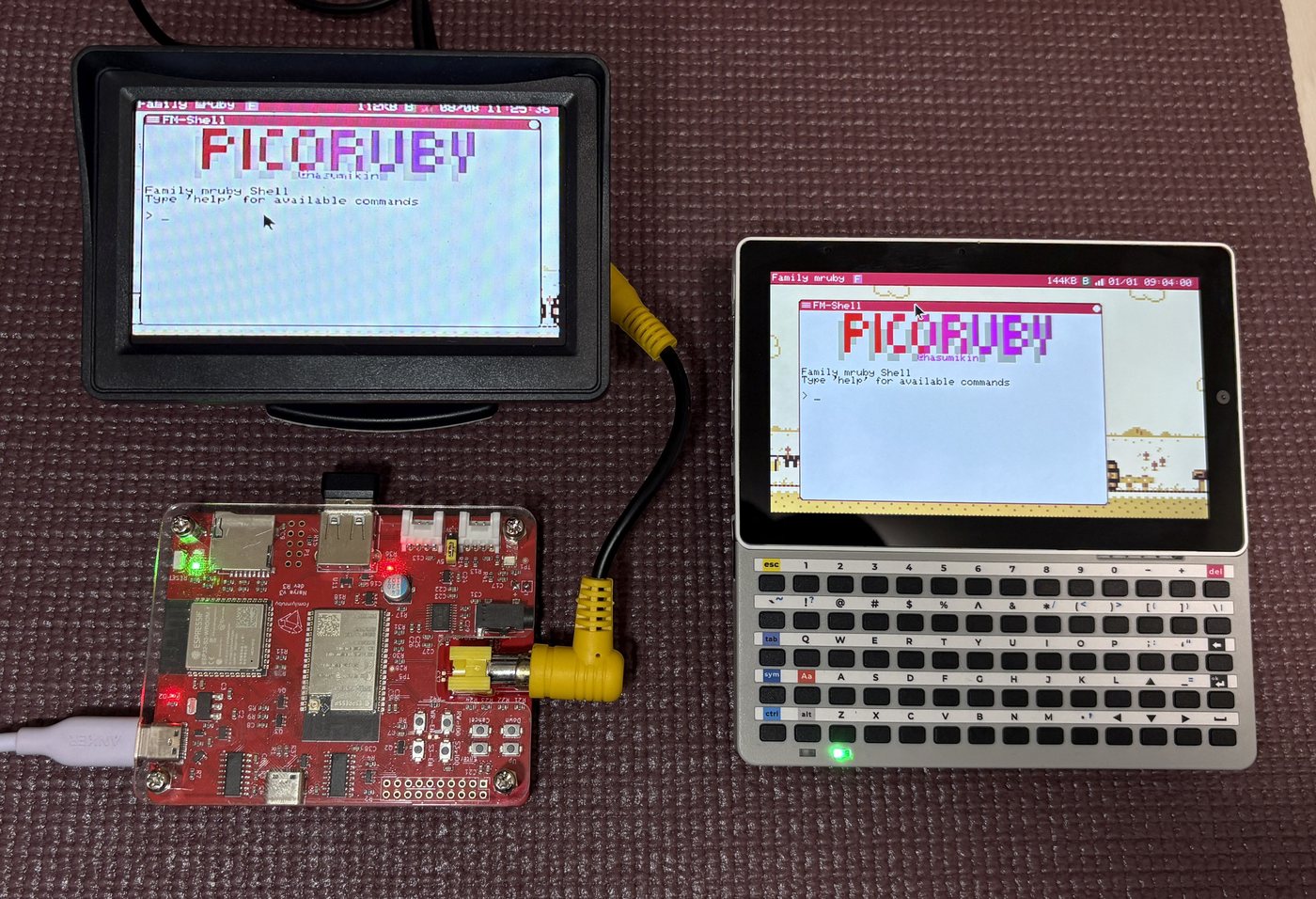
Retro on the left (a Narya v3 board connected to a monitor), Modern on the right (an M5Stack Tab5)
Demo Video
Getting the hardware
Modern runs on a stock M5Stack Tab5. The Tab5 Keyboard is supported as well.
Retro needs a board of its own, sold on BOOTH. The schematics, Gerber data and BOM are all public, so you can also build a compatible board yourself.
Repositories
Development Background
Long ago, BASIC was often the first programming language that children encountered. Despite its limitations, there were products like Family BASIC, which allowed BASIC programming not only on PCs but also on platforms such as the MSX or the Famicom (NES). Many programmers discovered the joy of programming through these environments.
Today, development environments for most programming languages are freely available and easily installable on PCs. However, because so much is possible, beginners often don't know where to start. Even reaching the point where you can make something slightly beyond "Hello World," such as a simple game, can require a surprisingly high setup cost.
Family mruby was born from the desire to create an environment where you can build small games and other applications using a scripting language on a single microcontroller -- bringing back the joy of simple, immediate programming.